
See it now
Current WBGT and heat context for the location you are checking.
WBGT forecasting and heat planning
Klimo WBGT helps you see current heat stress, understand how conditions will change, and choose better times for outdoor activity.
Use saved sites or Current Location, with global near-term forecast context where available. Forecast WBGT supports planning and does not remove the need for onsite judgment.
Current WBGT and heat context for the location you are checking.
Hourly and daily forecasts show how heat stress may change.
Compare activity windows before heat risk peaks.
The core workflow is simple: understand current heat stress, see where it is headed, and decide whether a better activity window exists.
Current conditions
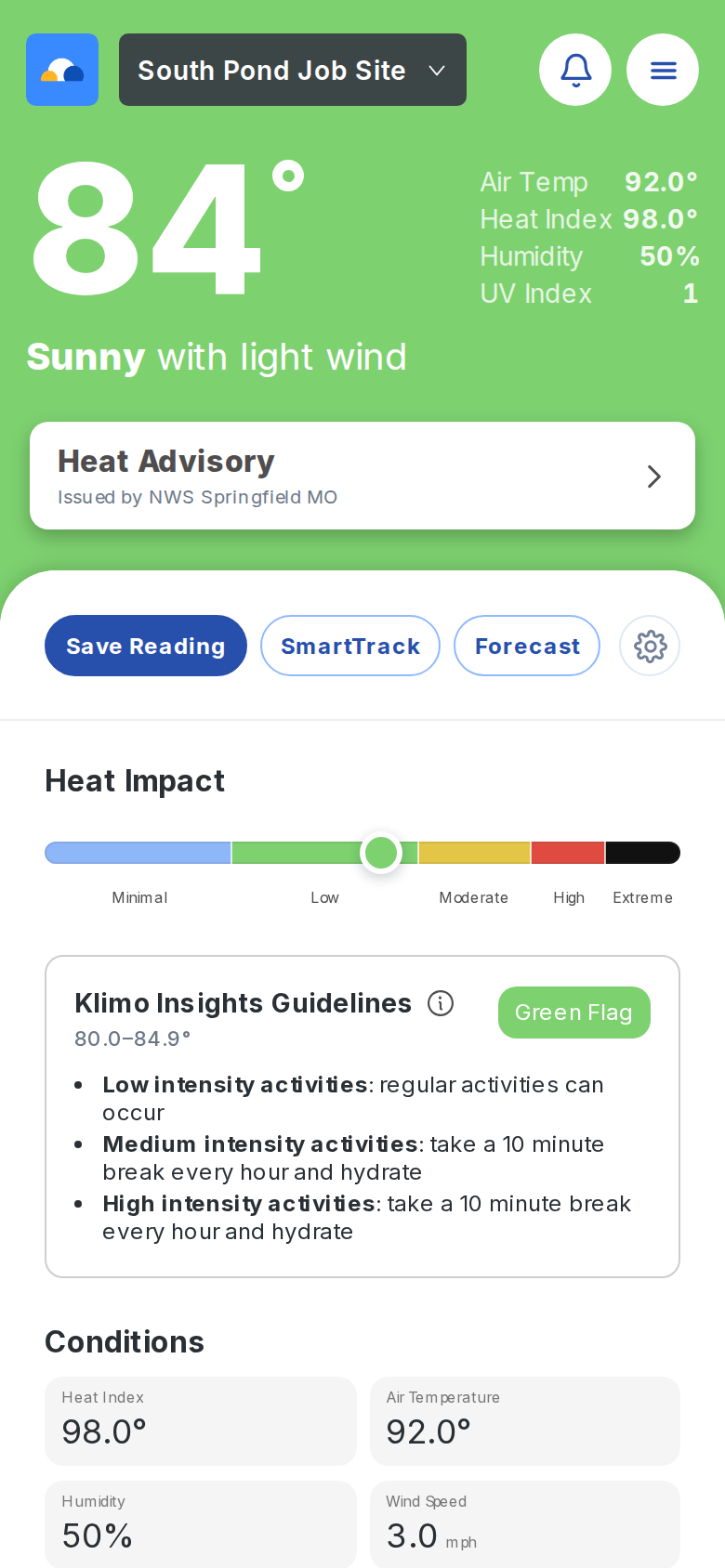
The Now screen brings current WBGT, weather context, heat guidance, and site actions into one place so the first decision is fast.
Forecast timing
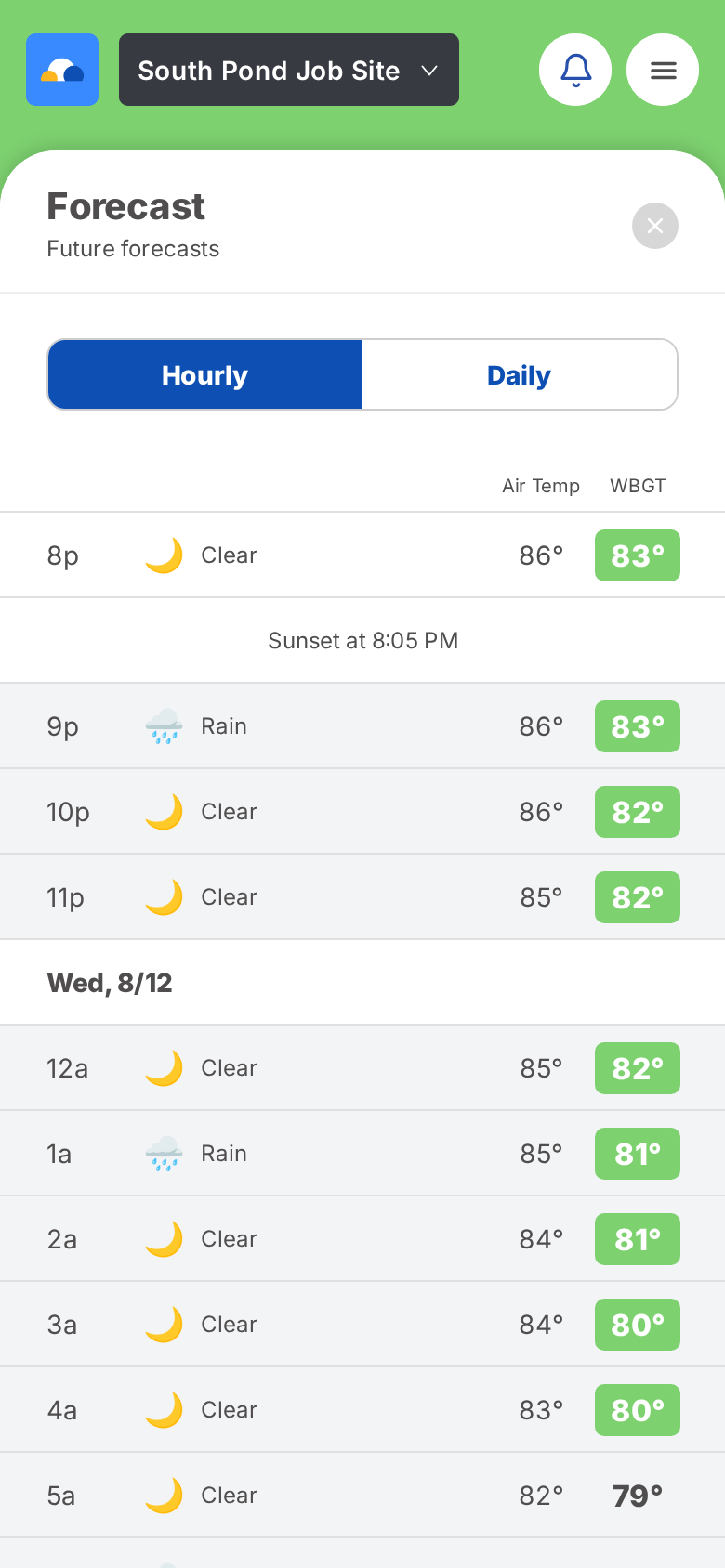
Forecast views show how WBGT may rise, peak, and ease over time. That timing is often more useful than a single number.
Find a better time
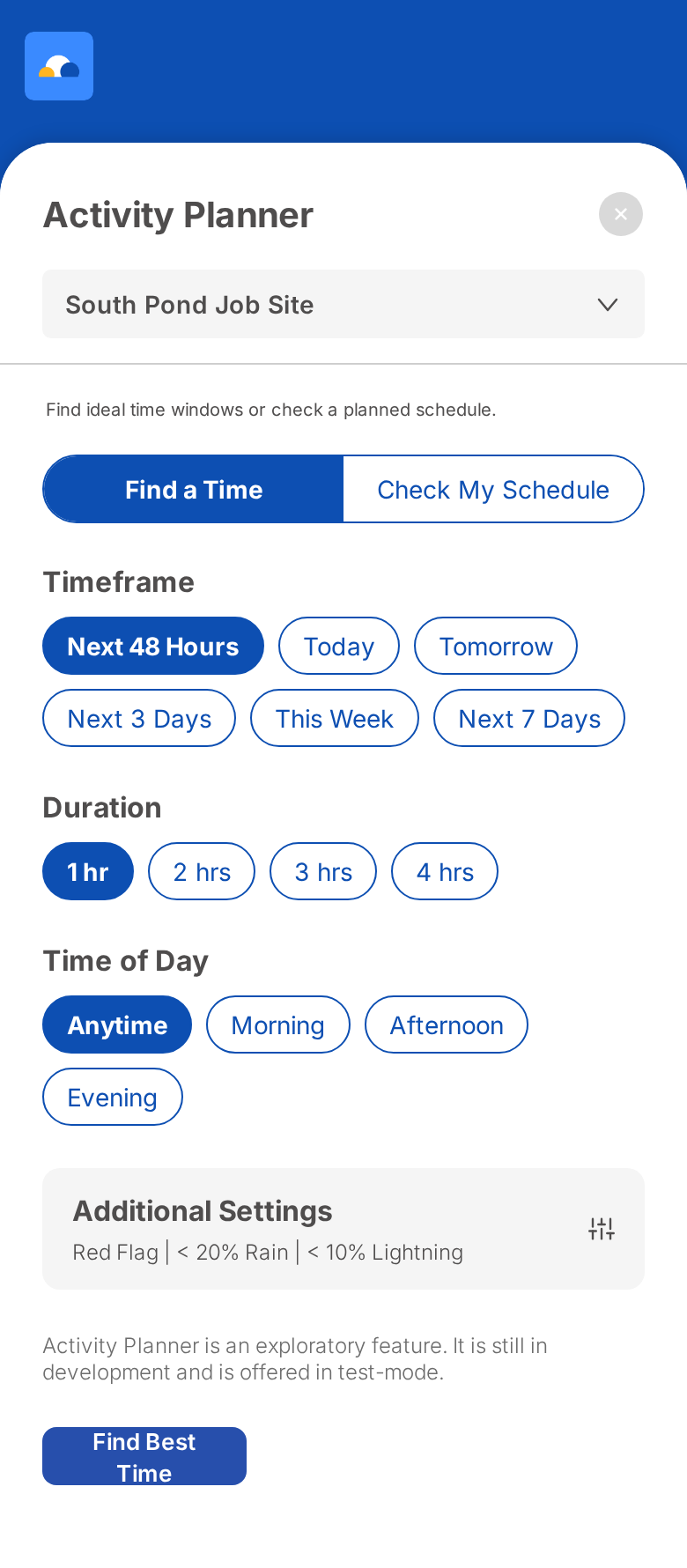
Activity Planner turns forecast timing into a practical choice: select a duration, timeframe, and risk filters, then compare possible windows. The feature is exploratory and shown in test-mode in the app.
Saved sites and local context
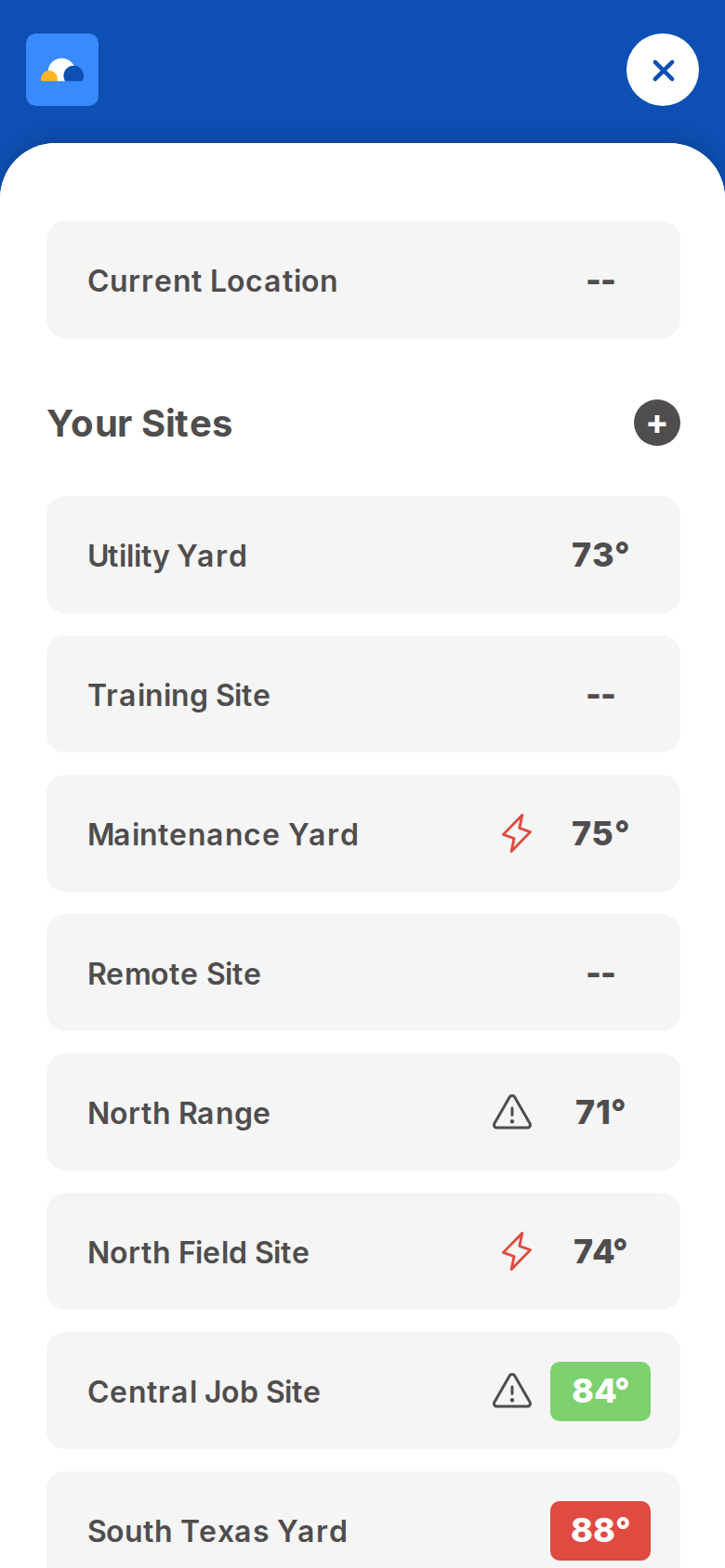
Save fields, jobsites, campuses, farms, venues, and other recurring locations so users can return to the same operational heat-safety view.
The weather may be the same. The place isn't. Surface, sun, shade, blocked airflow, nearby buildings, terrain, and moisture can change heat exposure over short distances.
Surface and site settings add useful context. They do not make a forecast perfect or replace direct measurement where a rule, policy, or standard requires it.
Alerts and storm context
When weather adds risk, Klimo keeps key context close to the heat decision: lightning alerts, configurable alert radius, all-clear timing, strike-map context, NWS alerts, and site-centered radar.
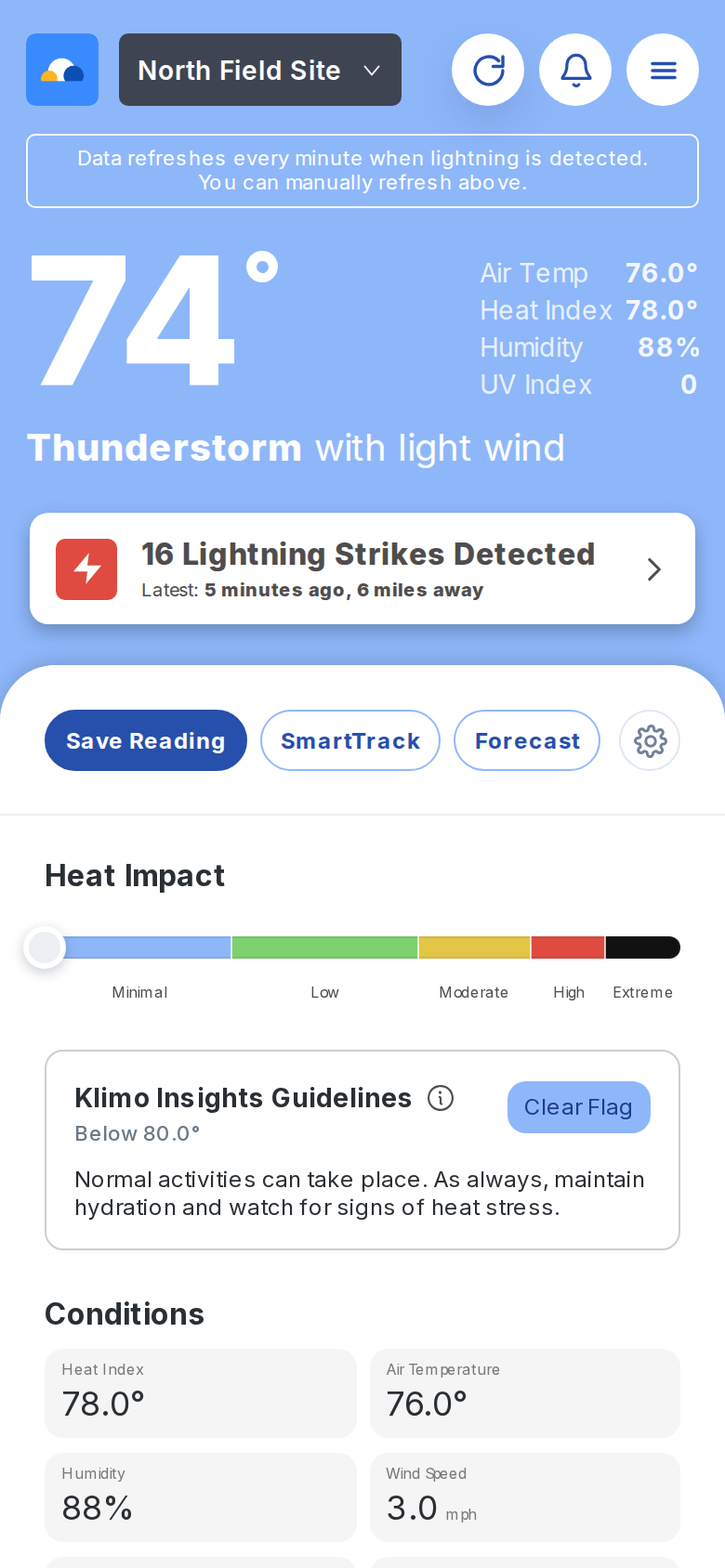
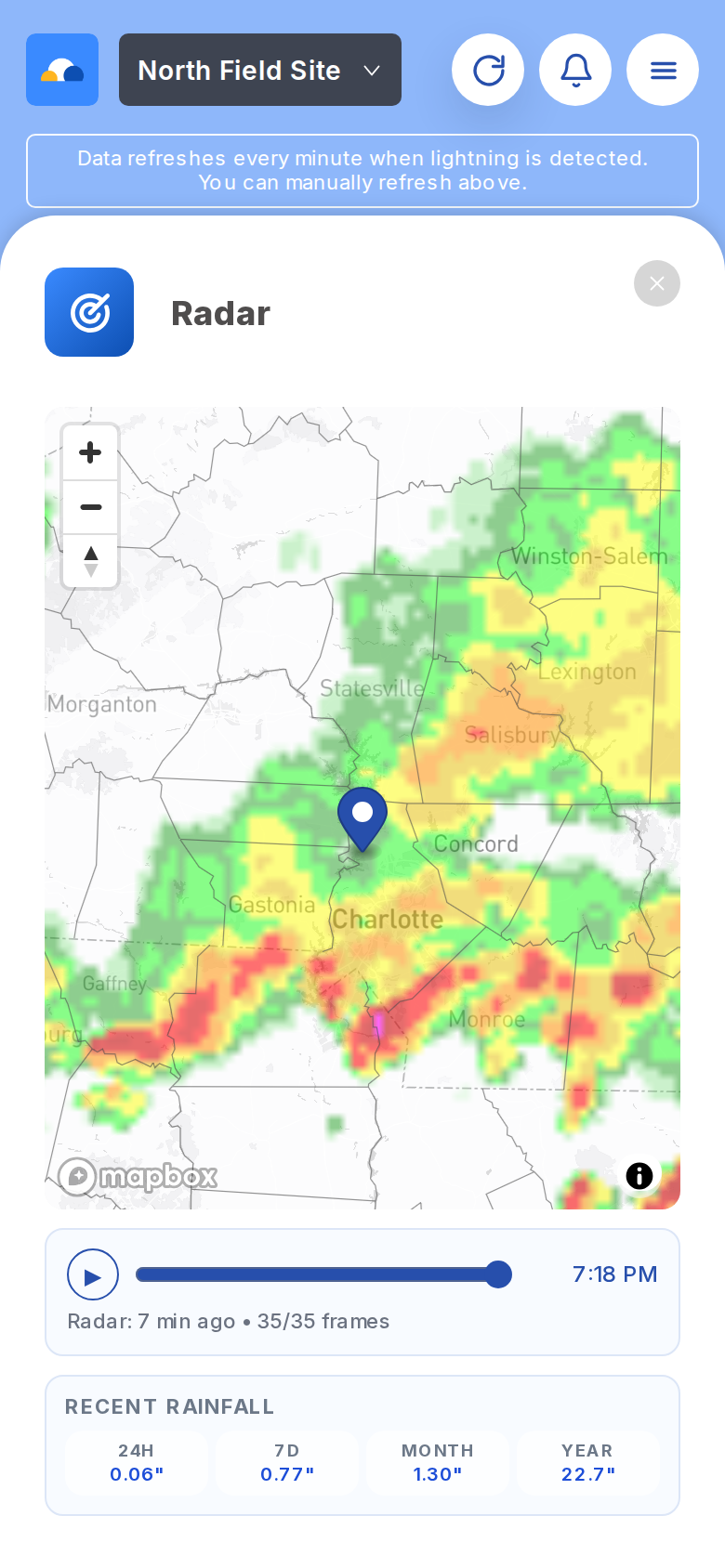
These tools support the core heat workflow without becoming the main story.
Personal Heat Profile adds user-provided context to heat guidance without making a medical diagnosis.
SmartTrack, readings, and history help document conditions when follow-up matters.
Notifications and guideline selection help fit the app to a site's operational rules.
Separate views support heat screening for dogs, horses, cattle, and poultry.
Current Location
Current Location can use global near-term forecast data for places outside the primary live nowcast footprint. Data sources and coverage can vary by location, so it should be used as planning context rather than a guarantee of identical precision everywhere.
Learn about WBGT forecasts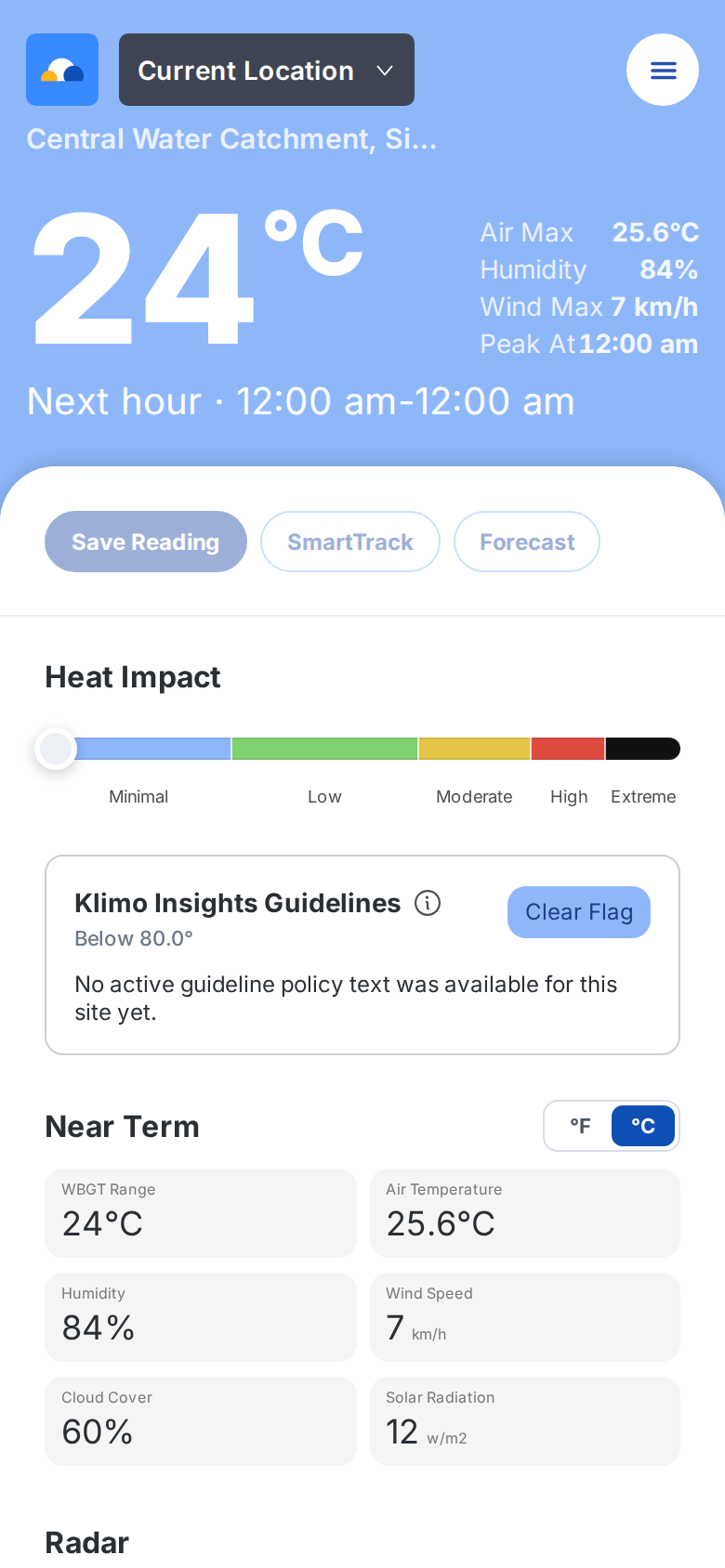
Science, policy, and judgment
Klimo Insights develops heat-health decision-support tools with expertise in climatology, WBGT, extreme heat, and software product development.
Klimo supports decisions. It does not replace applicable policies, direct onsite measurement where required, medical guidance, emergency procedures, or trained onsite judgment.
Open Klimo WBGT to check current conditions, forecast what is coming next, and look for a better activity window.